

- Descrição curta
- Go past commonplace one-time payments. Use PayPal Recurring Payments to create custom subscriptions

Collect recurring PayPal payments
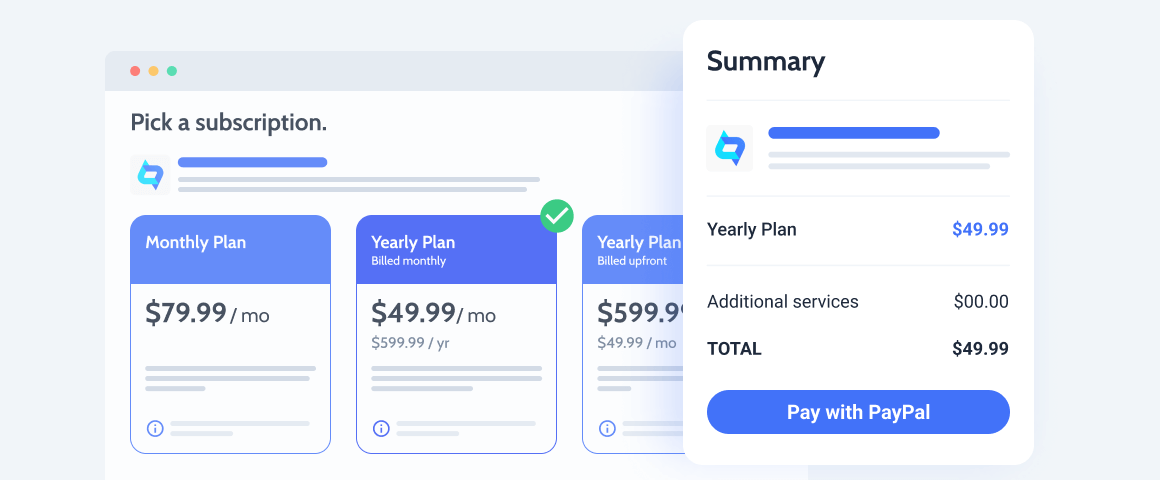
Go past commonplace one-time payments. Use PayPal Recurring Payments to create custom subscriptions subject to a specific billing cycle.The addon supports fixed, quantity-based, volume-based, and tiered payment types. It’s fully JetFormBuilder-ready, so you’ll be able to accept recurring payments through the PayPal gateway added to the form. Monitor all payments and subscription statuses via a handy separate dashboard.
PayPal Recurring Payments Use Cases
Streaming service subscription
Give free access to video content for the first 30 days after signup. Then offer the client to subscribe and pay every month.
Online business courses
Provide subscriptions for individual courses like the Leadership program, or a yearly plan for all courses on the platform.
Social Media Marketing services
Add plans based on the number of weekly published posts or connected accounts for advertising agencies.
Licenses subscription plans
Sell a product Basic, Pro, VIP licenses. Such plans will give access to a different number of services and additional products.
Fitness training subscription
Create subscriptions priced based on the difficulty level. Allow users to pay for workout programs on a monthly and yearly basis.
Claimed listings plans
Sell website space to advertisers and set tier-based plans for claimed listings. Thus the price will be lower after the fifth, tenth ad, etc.
View and edit all the subscription-related details like subscriber email, billing cycle, status and date through a dashboard.
Carry out the refund requests right from the Subscriptions dashboard by adding the needed refund amount and note.
To discontinue a subscription, go to single page and click the “Cancel” button. The status would be updated automatically.
To suspend a subscription, go to its single page and press the “Suspend”. Add notes to it if needed.
You can activate a recurring subscription in the PayPal account, but its status will be visible in the dashboard.


